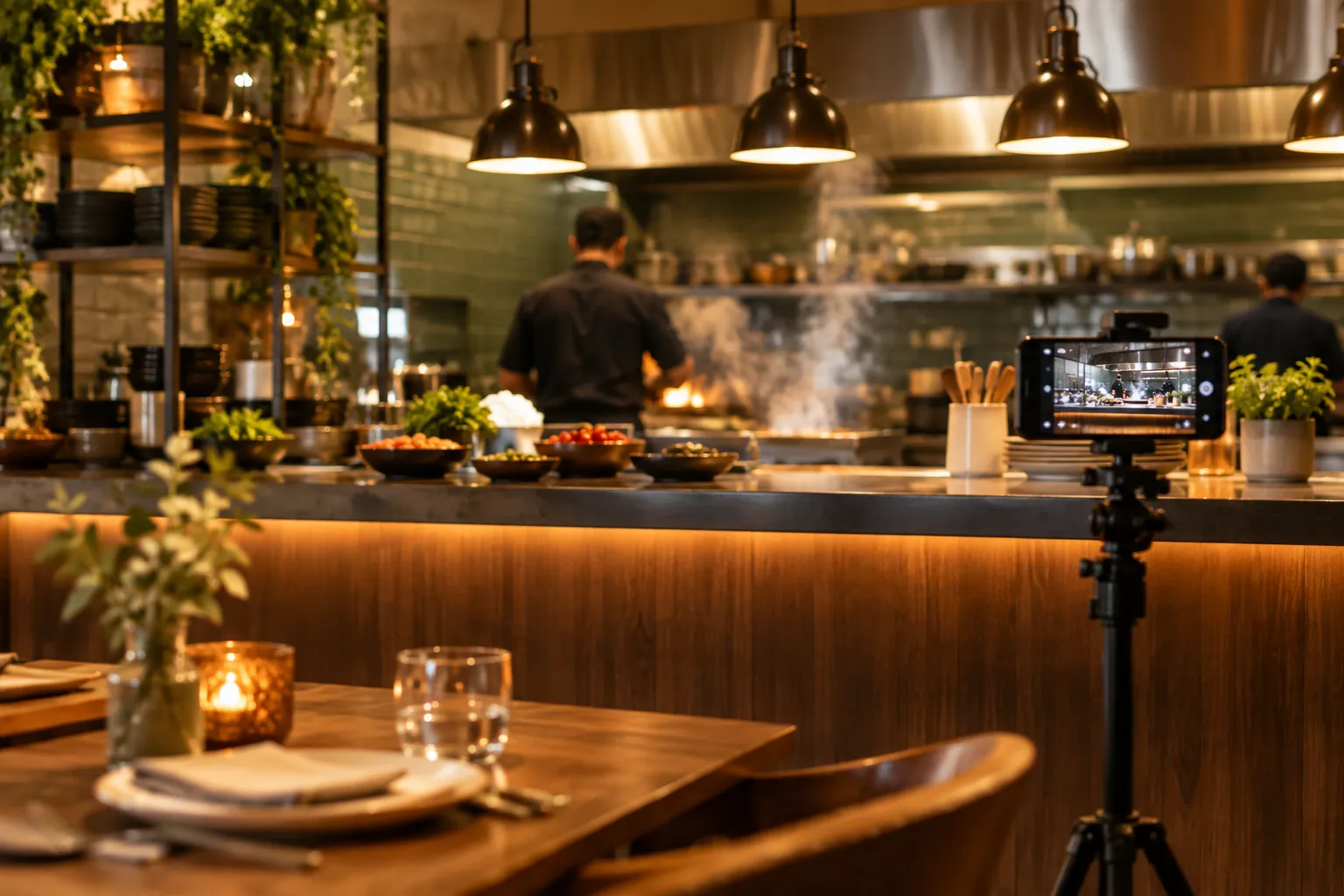
Ordering from a live-cooking kitchen involves a few choices before the cooking stream begins. Confirm the menu, decide quantities and select a delivery slot while orders are open.
Ordering Guide

How to Place a Live Cooking Order
A simple checklist for choosing dishes, quantities and a delivery slot before an order closes. Learn what to expect from the announced cooking stream through dispatch.
By Stremingkitchens
· 1 min read
Key takeaways
- Choose dishes and quantities before the order closes.
- Select a delivery slot when ordering.
- The announced stream shows the actual cooking process.
Choose Dishes and Quantities
Start with the available menu and select the dishes you want. Set the quantity for each selection before moving on to the delivery slot.
- Check each dish on the current menu.
- Review the quantity selected for every dish.
Select a Delivery Slot
Choose a delivery slot as part of placing your order. Make your selections before the stated order closing time, since orders close at a specified time.
- Select the slot shown during ordering.
- Check the announced order closing time.
Follow Cooking and Dispatch
Tune in at the announced time to watch the actual cooking process. After preparation, food is packed into labelled containers and dispatched.
- Keep the announced stream time handy.
- Expect prepared food to be packed and dispatched after cooking.
Frequently asked questions
When does the cooking stream start?
The live stream starts at the announced time.
What happens after the food is prepared?
The food is packed into labelled containers and dispatched.
Talk to Stremingkitchens
Have a question about this? Send us a message and we will help you plan it.
Stremingkitchens
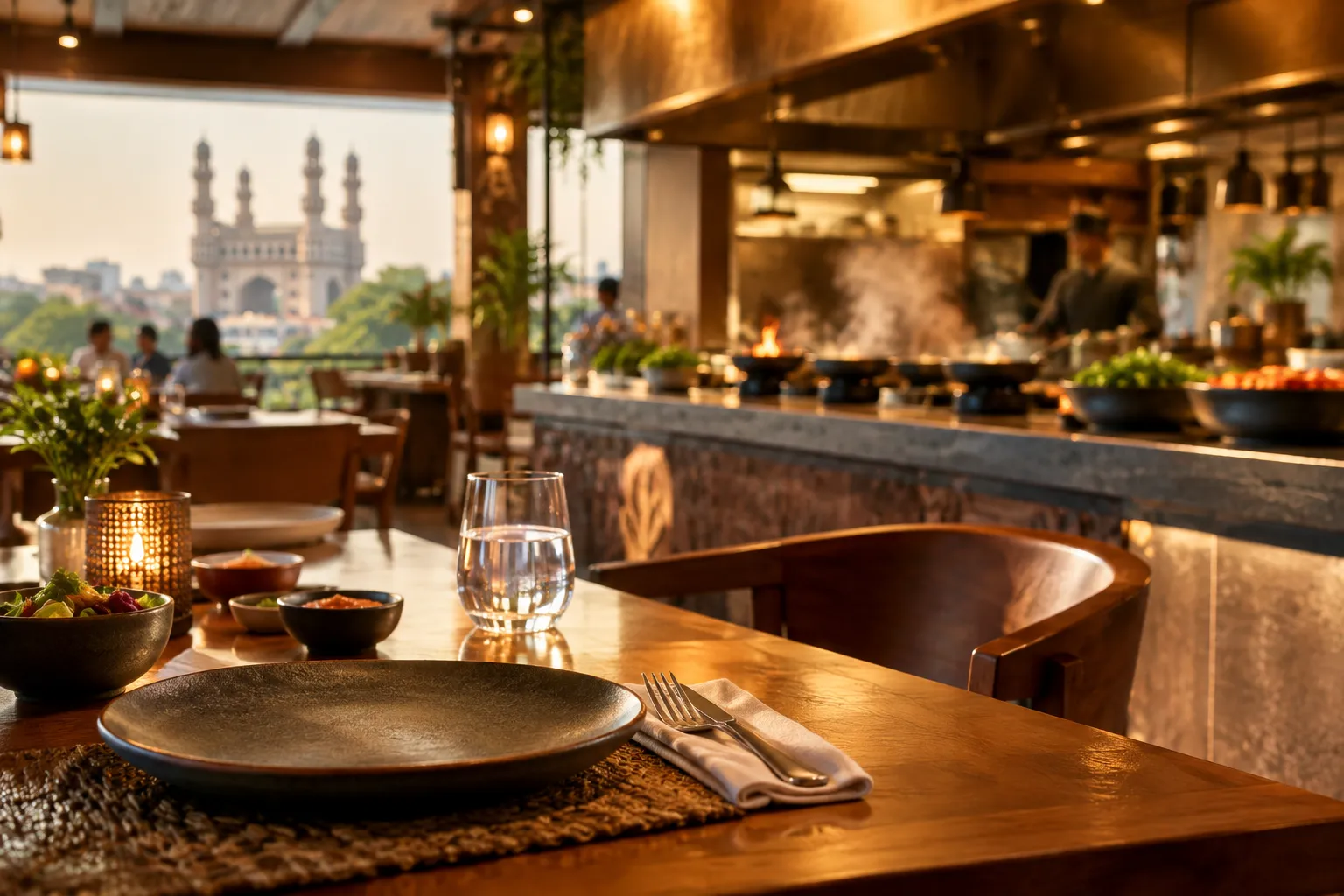
Select your dishes, quantities and delivery slot, then tune in when Stremingkitchens goes live from Hyderabad’s kitchen.